Learn how RAID 5, RAID 6 and RAID 10 differ, compare calculated usable storage and understand the risks before selecting an array.
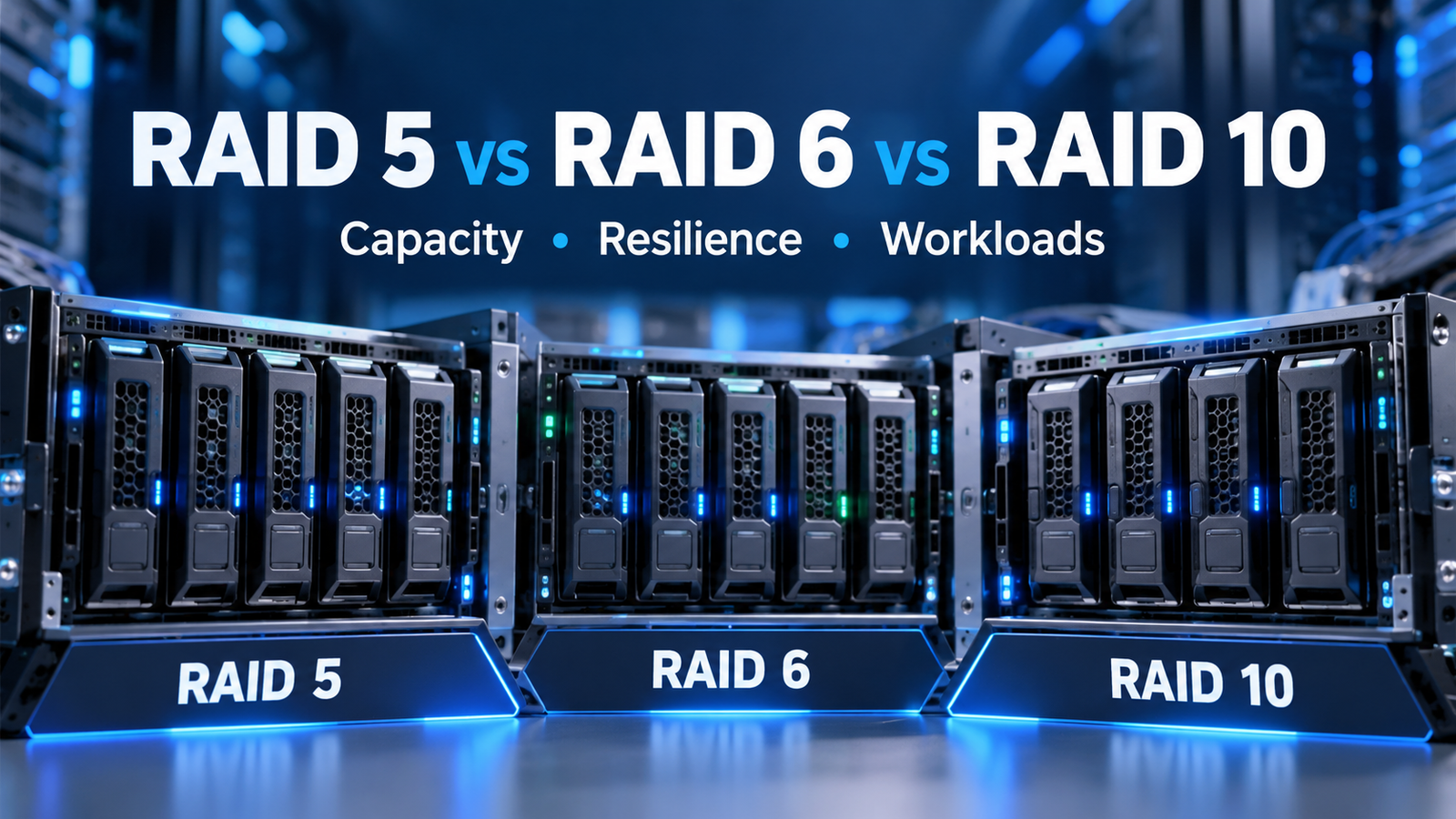
RAID 5, RAID 6 and RAID 10 use multiple storage drives to improve resilience or performance, but they do so in different ways. RAID 5 uses single distributed parity, RAID 6 uses dual distributed parity, and traditional RAID 10 stripes data across mirrored drive pairs. These designs make different trade-offs in usable capacity, failure tolerance and write operations.
There is no single RAID level that is best for every server, NAS or application. This guide explains the trade-offs using equal-capacity drives, simple math and practical examples. To check another configuration, use the NetOps RAID Storage Capacity Calculator.
Quick Comparison: RAID 5 vs. RAID 6 vs. RAID 10
| Feature | RAID 5 | RAID 6 | RAID 10 |
|---|---|---|---|
| How it works | Striping with single distributed parity | Striping with dual distributed parity | Striping across mirrored drive pairs |
| Minimum drives | 3 | 4* | 4, even number |
| Usable capacity | (N − 1) × S | (N − 2) × S | (N ÷ 2) × S |
| Drive failures tolerated | Any 1 | Any 2 | 1 guaranteed; more only if no mirror pair loses both members |
| Small random-write penalty estimate | 4 backend I/O operations | 6 backend I/O operations | 2 backend I/O operations |
| Main trade-off | Good capacity efficiency; single-failure protection | Greater failure tolerance, more parity overhead | Half of raw capacity reserved for mirroring |
*Four drives is the general conceptual minimum for RAID 6; specific products or software RAID implementations can impose a higher minimum or other configuration rules.
N is the number of active drives and S is the capacity of the smallest drive in a conventional equal-member array. These formulas exclude hot spares, filesystem overhead, controller reservations and vendor-specific layout constraints.
How the Three RAID Levels Work
RAID 5: Single Distributed Parity
RAID 5 spreads data and parity information across the drives. It can reconstruct the contents of one failed drive while the remaining members are available. Its capacity efficiency is attractive when usable storage is the main priority, but the array becomes vulnerable to an additional drive failure while degraded or rebuilding.
Example: four 4 TB drives provide (4 − 1) × 4 TB = 12 TB of estimated usable capacity before other overheads.
RAID 6: Dual Distributed Parity
RAID 6 uses two independent parity sets and can tolerate the failure of any two member drives. This additional fault tolerance can be valuable for larger arrays or workloads where an extended degraded period would be especially costly. The trade-off is the equivalent capacity of two drives plus additional parity-related write work.
Example: four 4 TB drives provide (4 − 2) × 4 TB = 8 TB of estimated usable capacity before other overheads.
RAID 10: Mirroring Plus Striping
Traditional RAID 10 creates mirrored pairs, then stripes data across those pairs. This avoids distributed-parity updates for ordinary writes and often suits workloads with many small random writes, depending on the storage stack. Each mirrored pair must retain at least one healthy member. RAID 10 does not guarantee survival of any two drive failures.
Example: four 4 TB drives provide (4 ÷ 2) × 4 TB = 8 TB of estimated usable capacity.
Worked Example: Four 4 TB Drives
| Level | Usable capacity | Efficiency | Failure tolerance |
|---|---|---|---|
| RAID 5 | 12 TB | 75% | Any one drive |
| RAID 6 | 8 TB | 50% | Any two drives |
| RAID 10 | 8 TB | 50% | One guaranteed; a second only in the other pair |
In this four-drive case, RAID 6 and RAID 10 offer the same estimated usable capacity, but their protection characteristics differ. RAID 6 tolerates any two failed members. RAID 10 survives two failed members only when those failures occur in separate mirrored pairs.
Chart: Usable Capacity with Eight 4 TB Drives
Capacity efficiency at a glance
Eight equal 4 TB drives: 32 TB raw. The bar length represents the percentage of raw capacity available to data in the simplified model.
What Does the RAID Write Penalty Mean?
A conventional small random-write penalty estimates how many backend disk I/O operations may be required for one host write in a basic, uncached read-modify-write model. It is a useful illustration of parity overhead, not a measurement of actual speed, latency or application IOPS.
Illustrative backend operations per small random write
Conventional estimates: RAID 5 = 4, RAID 6 = 6, RAID 10 = 2. Longer bars indicate more estimated backend operations, not a measured performance benchmark.
For workloads dominated by sustained small random writes, such as some databases or virtual-machine storage workloads, RAID 10 is often worth testing. For large sequential workloads, the best choice may differ considerably. Measure latency, throughput, IOPS and rebuild behavior under representative workloads rather than selecting an array from write-penalty figures alone.
Why Two Failed Drives Do Not Always Mean the Same Thing
Consider four-drive RAID 10 built from two mirror pairs. The examples below illustrate the same number of failed drives with different outcomes.
RAID 10: Which drives fail matters
Each mirror still has one healthy copy: two failures, one in each pair.
Both members of one mirror are lost: that pair’s data becomes unavailable.
By contrast, a healthy RAID 6 array is designed to tolerate any two member drive failures, although recovery work, controller errors and additional failures still create operational risk.
Rebuilds, UREs and Other Real-World Risks
When an array operates in degraded mode, it has less resilience than before. Rebuilding a replacement drive can take time and require substantial reads and writes. Duration depends on drive capacity, health, controller, workload and storage implementation; there is no universal rebuild-time estimate.
A second failure can cause a conventional RAID 5 array to become unrecoverable. RAID 6 provides another parity layer against a second failed drive, but neither RAID level eliminates the risk of read errors, software faults, controller failures, unexpected power events or multiple simultaneous faults.
Use drive-health monitoring, verified backups, tested restoration procedures and documented replacement plans. For significant storage systems, review the vendor’s RAID group limits, drive compatibility rules, hot spare configuration, rebuild settings and support recommendations.
How to Choose for Your Workload
- RAID 5: Consider it when capacity efficiency matters, array size is modest, and the workload and supported hardware make single-drive redundancy an acceptable risk. Do not treat it as a universal default for large-capacity disks.
- RAID 6: Consider it when tolerance of two drive failures is important, especially with larger arrays and long rebuild exposure, while still retaining more data capacity than traditional RAID 10 for many configurations.
- RAID 10: Consider it when predictable random-write behavior, mirrored redundancy and particular rebuild characteristics matter more than raw capacity efficiency. Evaluate SSD performance and caching in the actual system before paying the capacity cost.
Do not select by RAID level alone. Controller cache and battery protection, SSD endurance, filesystem behavior, drive count, RAID implementation and desired recovery time can be as important as the level itself. Hardware RAID, software RAID, storage appliances and erasure-coded systems do not necessarily implement every feature identically.
Frequently Asked Questions
Is RAID 6 always safer than RAID 10?
RAID 6 guarantees tolerance of any two member drive failures in its standard model. Traditional RAID 10 guarantees one and may tolerate more if failures occur in different mirror pairs. Overall data risk also depends on implementation, component failures, software behavior, monitoring and backups. No single failure-count comparison captures every risk.
Why does a 4 TB disk appear smaller in my operating system?
Drive makers typically use decimal terabytes (1 TB = 1,000,000,000,000 bytes). Some operating systems display binary tebibytes (1 TiB = 1,099,511,627,776 bytes). A nominal 4 TB disk is approximately 3.64 TiB before filesystem and system overhead.
Can I mix drive sizes?
Some RAID implementations permit mixed-capacity disks, but a conventional equal-member RAID array is often constrained by the smallest member. Supported combinations and available capacity are product-dependent. Check the storage system documentation before mixing drives.
Does RAID 10 always outperform RAID 6?
No. RAID 10 often has favorable small random-write behavior because it does not maintain distributed parity. Actual application performance depends on the workload, controller, SSDs or HDDs, caching, queue depth and configuration. Benchmark the deployment rather than assuming fixed performance ratios.
Does a hot spare increase usable capacity?
No. A dedicated hot spare is normally reserved for recovery and is excluded from the active RAID members when calculating usable storage. Some systems use distributed spare capacity instead; check how your platform implements it.
Technical References
- IBM — Disk Array Capacities (capacity formulas and equal-member assumptions).
- Red Hat — RAID Levels (concepts and minimum configurations in a common implementation).
- IBM Redbooks — DS8800 Performance Monitoring and Tuning (illustrative 4/6/2 random-write penalty model).
- CISA — #StopRansomware Guide (offline backups and restore testing).
References describe general concepts or specific vendor implementations. Product-specific requirements, minimum drive counts and reliability characteristics can differ; always consult the documentation for your array.
Enter the number of drives, capacity per drive and RAID level in the free NetOps calculator. Compare the capacity result with your performance, resilience and backup requirements.
Open RAID CalculatorExplore All IT ToolsLast reviewed: October 26, 2026 · Developed and maintained by: NetOps Tools · Purpose: Educational guidance and preliminary storage planning. Capacity calculations are estimates, not vendor certification.